
Social Meals
Save recipes, count calories
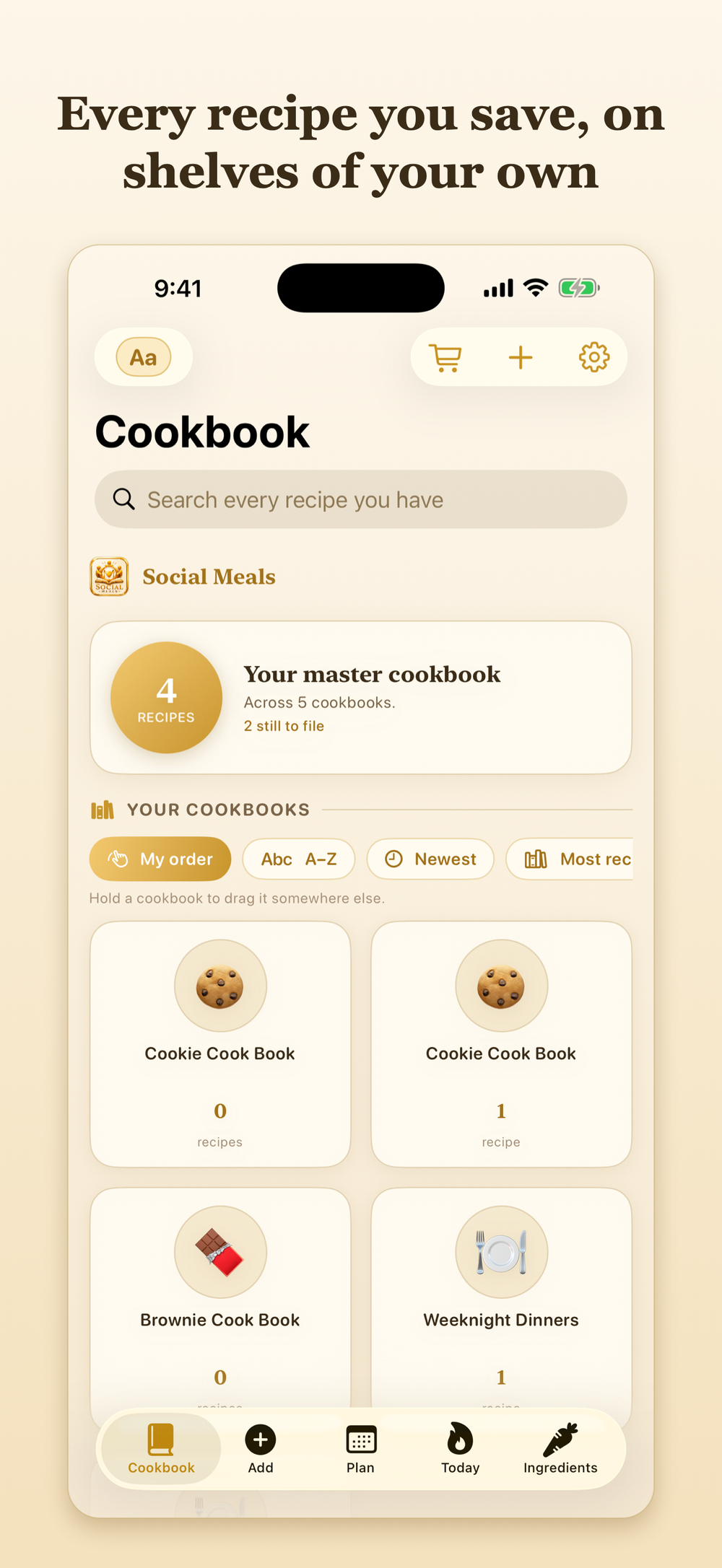
The cookbook that fills itself. Share a recipe you found on your phone, and it arrives read, costed and filed on a shelf of your own.
The link opens as soon as Apple approves version 1.0.
From a post to a plate
Find it
A dish scrolls past while you are half paying attention. A pizza, a lasagne, something you will absolutely forget by Thursday.
Share it
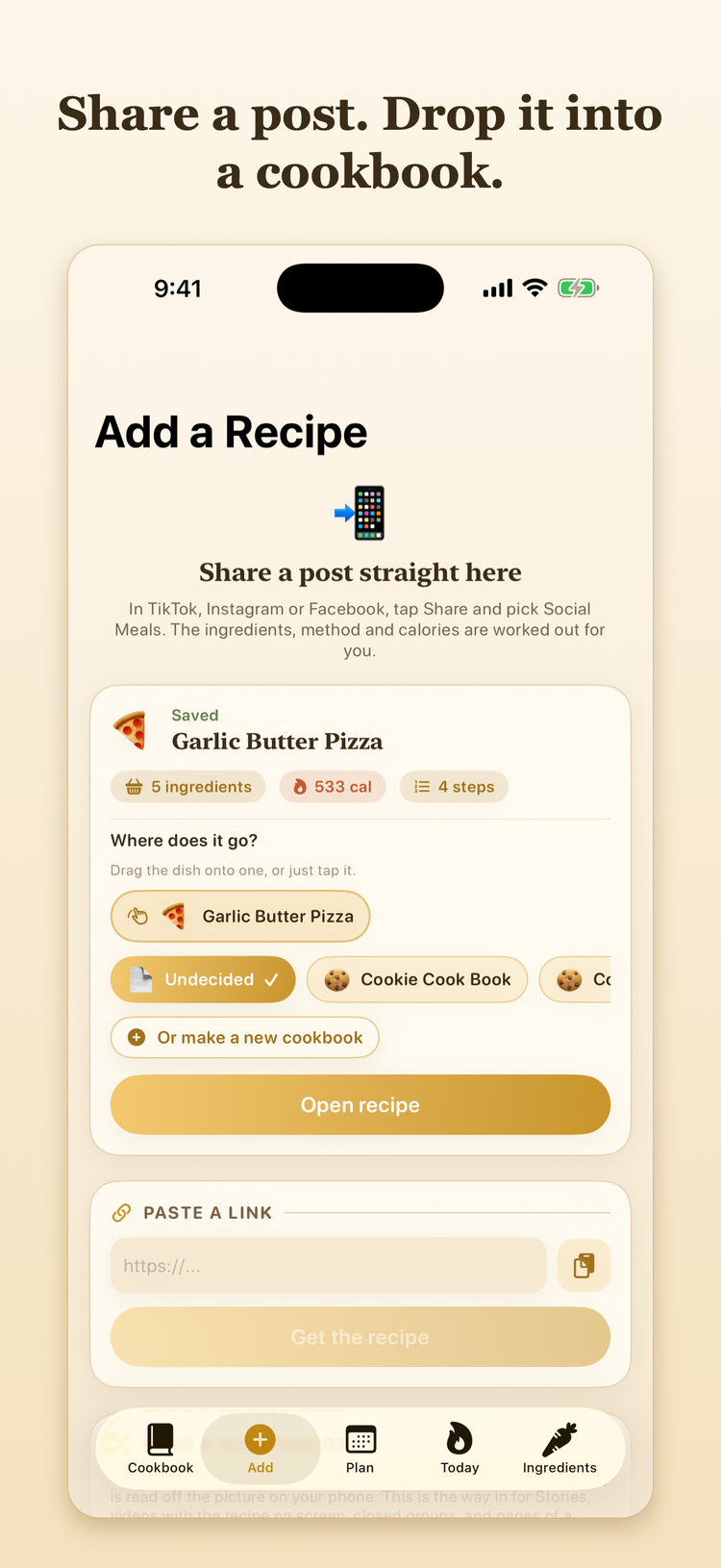
Tap Share, choose Social Meals, and drag the dish onto the cookbook it belongs in. The dinner bell rings when it lands.
Cook it
It is waiting in the app with ingredients, method, servings and the calories already worked out.
Inside the app
Sharing is the whole interface
There is no copying links into a box. The share sheet hands the post straight to Social Meals, which reads the page, pulls out the ingredients and the method, and asks you one question: which cookbook?
You can see where the number came from
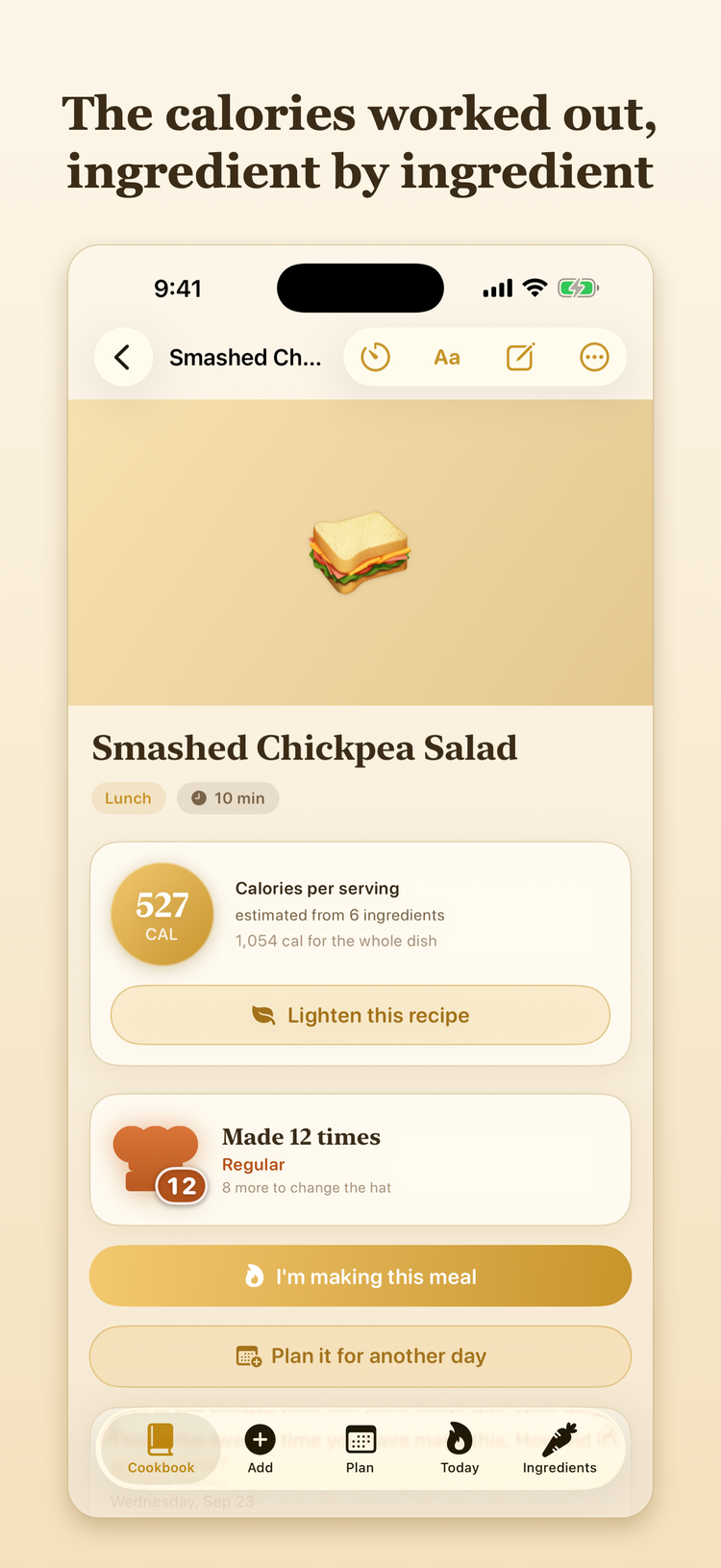
Every line is costed on its own instead of one total arriving on faith. Ask for a lighter version and the app suggests swaps with the saving written next to each one.
The part you will want in six months
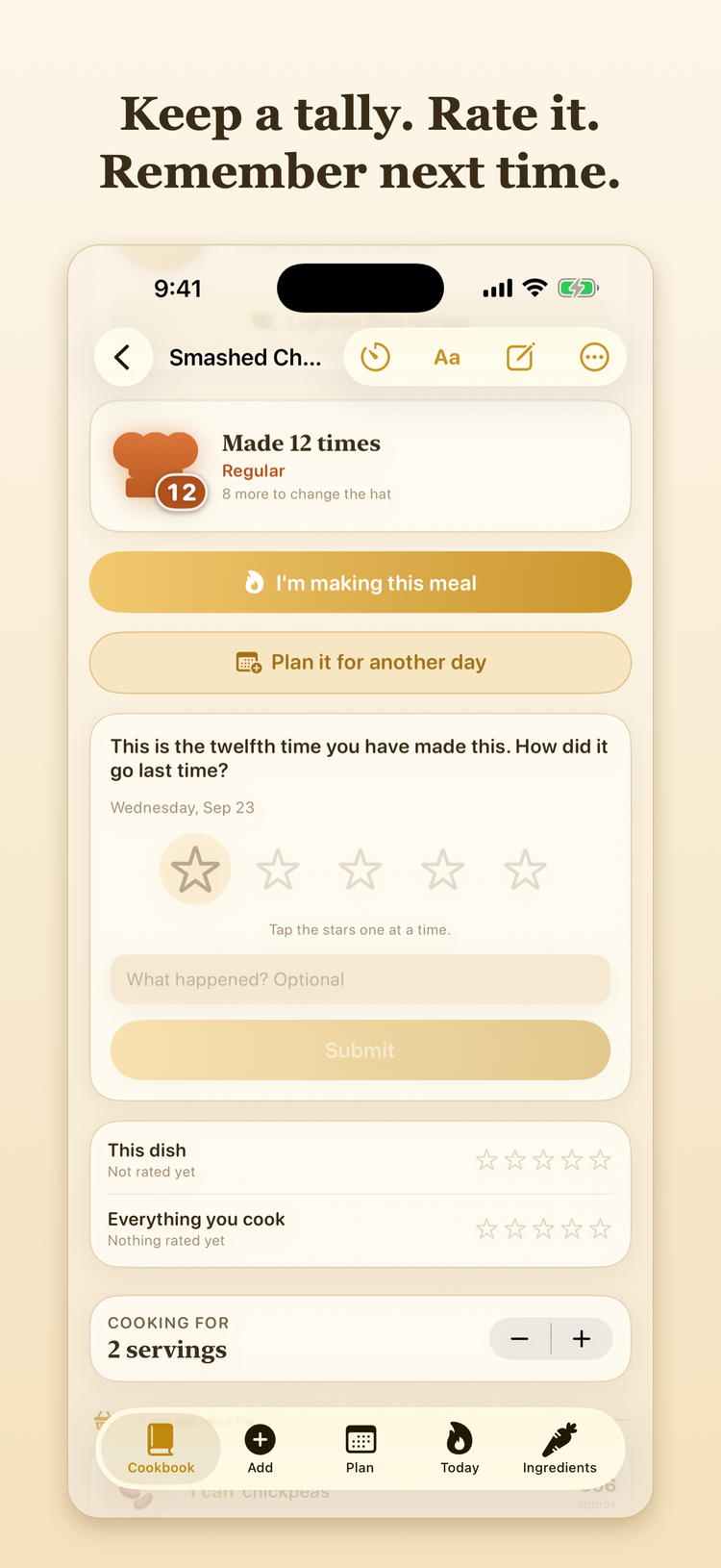
Mark a recipe cooked and the count goes up. Give it stars while you are still eating it. Then write down the one thing you would do differently, because that is what you will be looking for when it comes round again.
It follows you round the kitchen
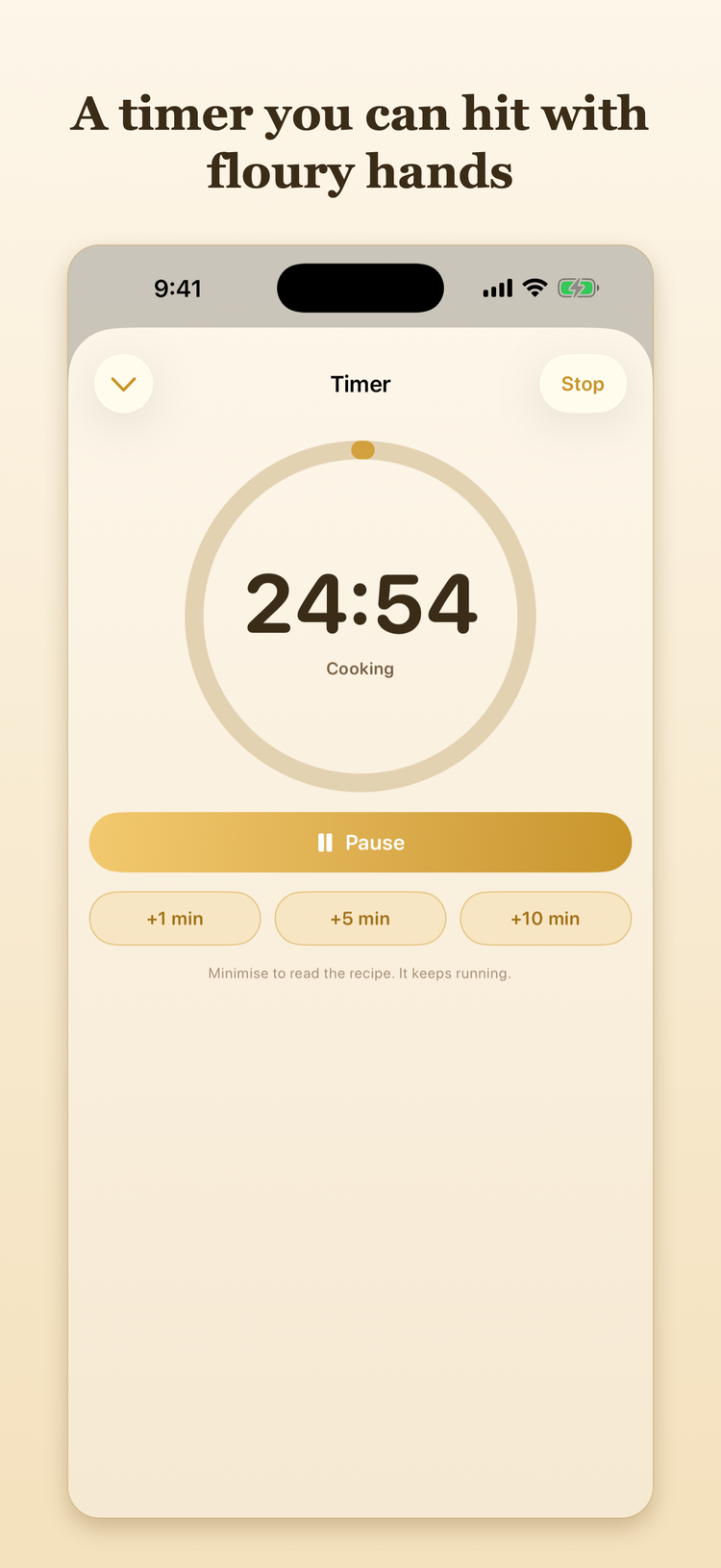
Start the timer from a recipe and it rides along as a single gold pill, still counting while you look up the next step or add something to the shopping list. The buttons are big enough to hit without looking.
Thursday, decided
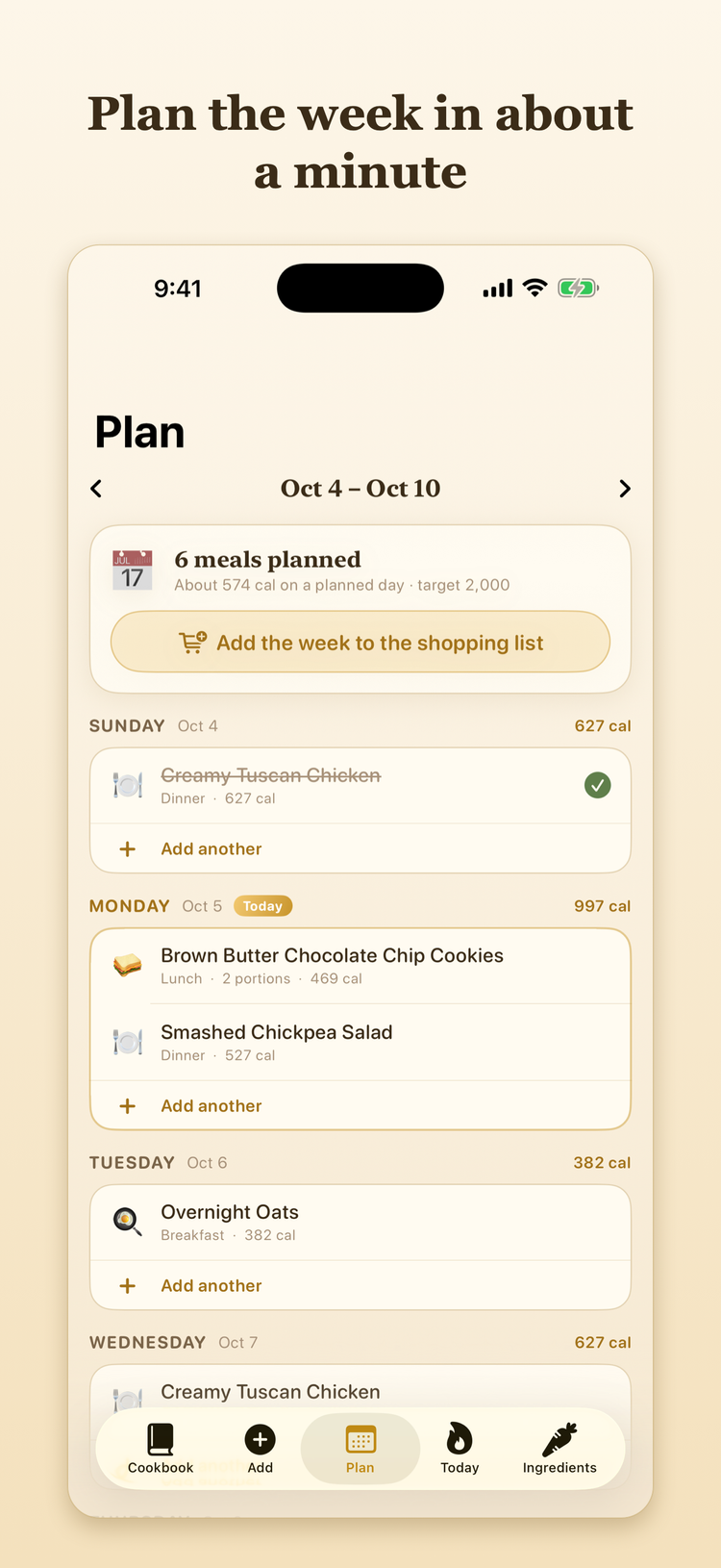
Drop recipes you already have onto the days you want them, or type in something new. Each day totals itself as you go, and what you planned becomes the shopping list without being asked twice.
One walk round the shop
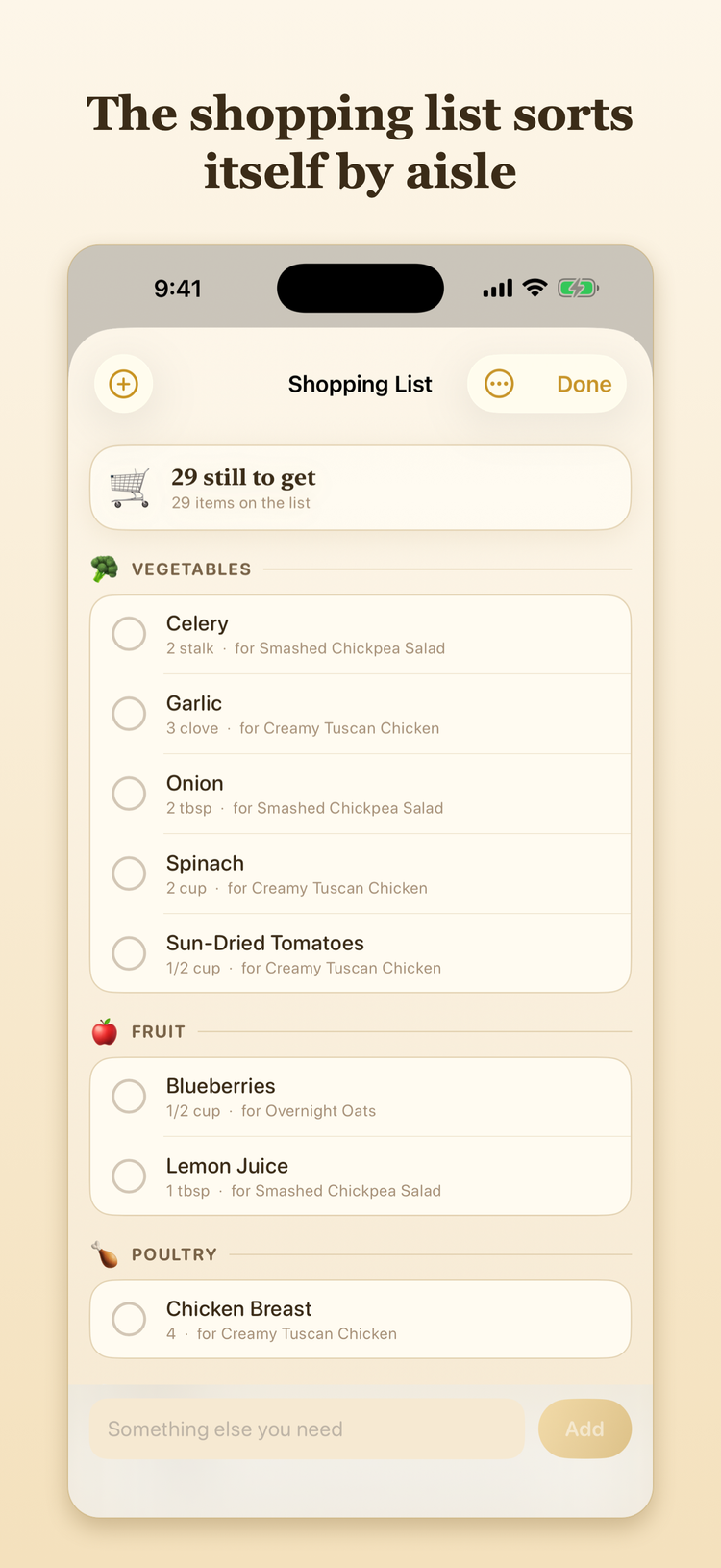
Ingredients arrive grouped the way the aisles are laid out, so you are not doubling back for the cream. Add anything else at the bottom, tick things off as they go in the trolley, and send the list to your own inbox if you would rather carry it on paper.
A kitchen is a bad place for small type
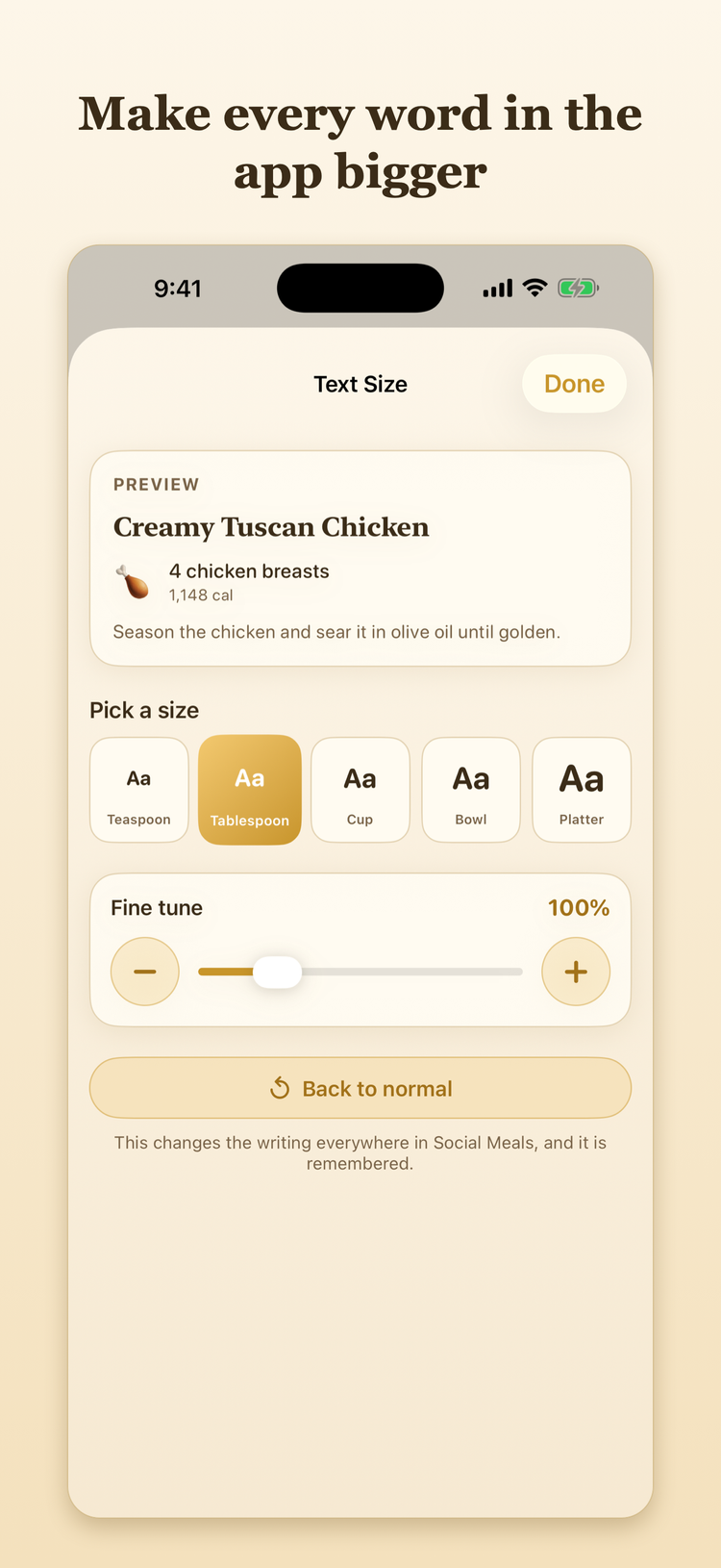
One slider sets the size of everything, from the shelves down to the step you are halfway through, and it stays where you put it. There is an Aa button at the top of the cookbook for when your hands are full.
Plainly
No account
Nothing to sign up for and nothing to log into. Open it and it works.
Works offline
The calorie table and the recipe reader both live on the phone, so a kitchen with no signal is fine.
Reads Spanish too
Ingredients, units, spelled-out amounts and section headings, all understood and costed.
One lookup, switchable
When a food is missing from the table the app can ask the USDA database for it and remember the answer. That is the only thing that leaves your phone, and Settings turns it off.
What it costs
$2.99 a year
The first week is free, counted from the moment you open the app rather than from a sign-up form. After that it is about twenty five cents a month, charged once.
Everything is included — there is no second tier Get it on the App StoreThe subscription renews on its own unless you cancel at least a day before the year is up, and you can cancel any time in your Apple Account settings.