iPhone · Android · Frame by frame
Find the frame that went past too quickly
Video Scrubber Pro is a high-precision analysis tool for short video. Step through a clip one frame at a time, draw on what you found, and stamp the frame number onto every capture — so what you walk away with is evidence, not just a screenshot.
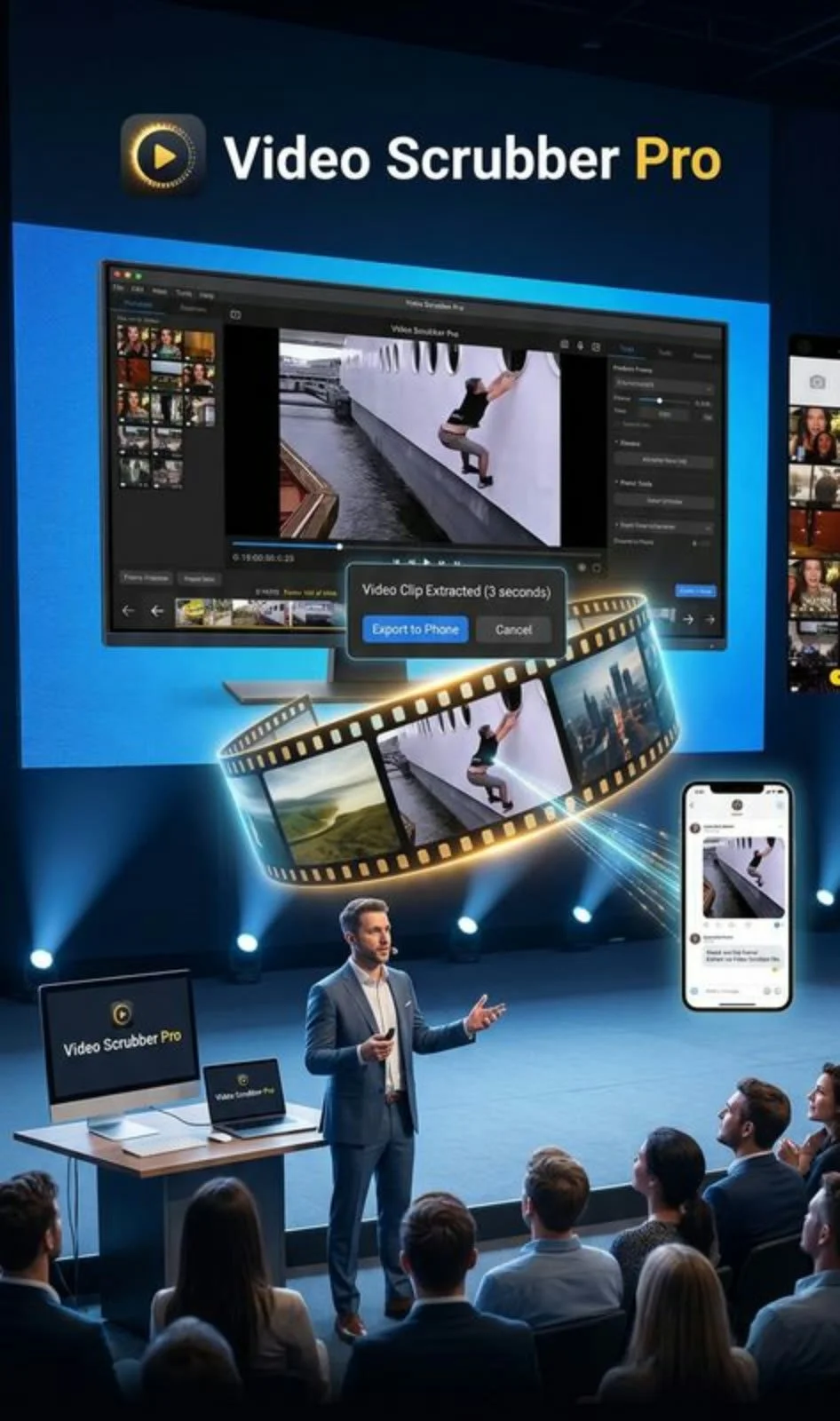
Why step through one frame at a time
Video runs at thirty frames a second, which means the moment you actually care about is on screen for about the length of a blink. Scrubbing with your thumb gets you near it. Stepping gets you onto it.
One frame per tap
The arrows move exactly one frame, forwards or backwards. No overshooting, no hunting back and forth for the same moment.
The frame number goes with it
The counter is stamped onto anything you capture, so a still can be pointed back at the exact frame of the exact clip it came from.
Draw straight on the frame
Circle it, label it, erase it and start again. The annotation belongs to the frame, so it is there when you come back to it.
Marks you can return to
Drop a mark and it shows as a yellow line on the timeline. Goto jumps straight back without you having to find it twice.
Speed you choose
Play it back slower than life when normal speed is still too fast. The Play button turns yellow whenever you are off normal, so you always know what you are watching.
Take the moment with you
Extract the few seconds that matter as their own clip, or make a reel, and send it on to whoever needs to see it.
Reading the display
Everything you need to know about where you are sits in one line under the picture.
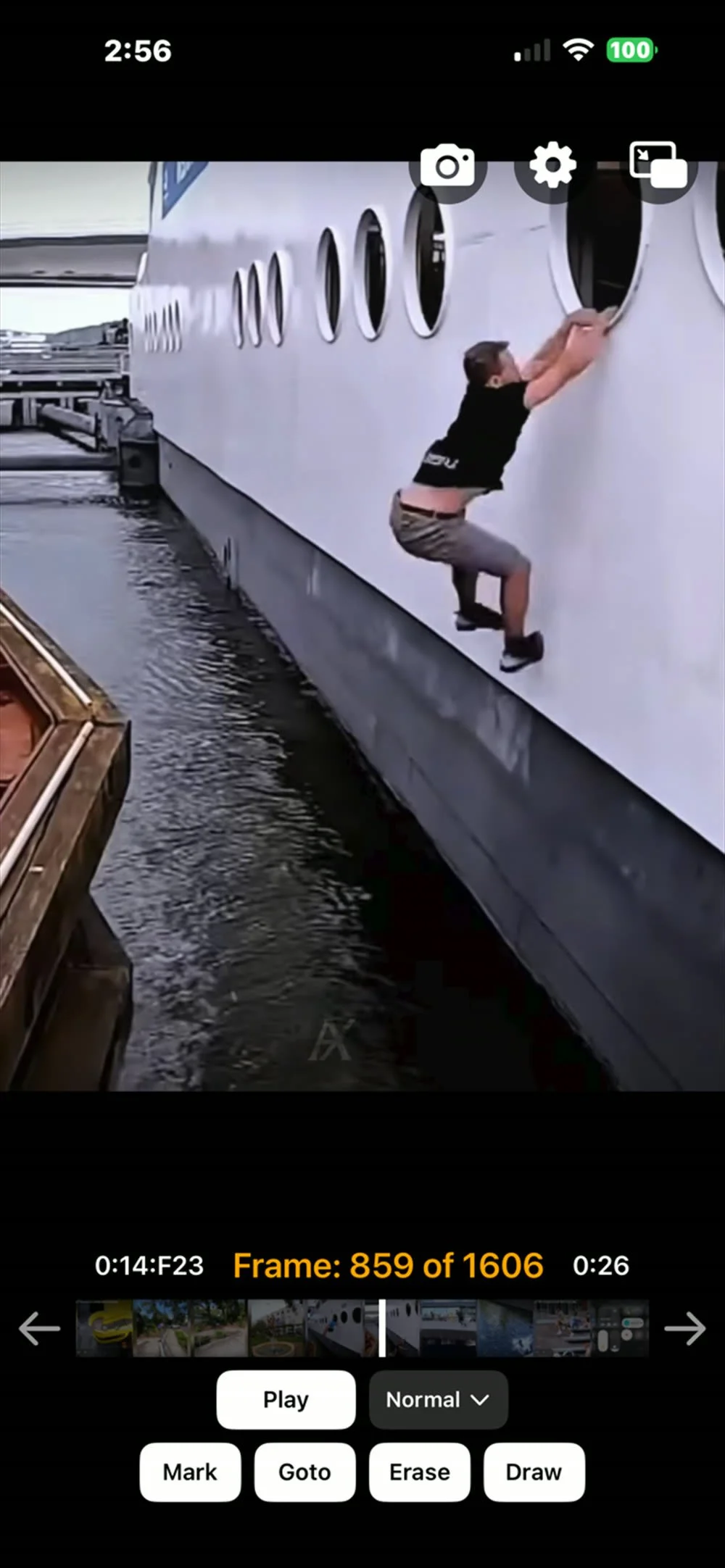
- Time code
- Left of the bar, as minutes : seconds : frame — so 1:04:F12 is the twelfth frame of the sixty-fourth second.
- Frame counter
- The readout in the middle: which frame you are on, out of the total in the clip. This is the number that gets stamped onto captures.
- Clip length
- Right of the bar — the total running time of the loaded video.
- Timeline
- Ten thumbnails spanning the whole clip. The white line is where you are; the yellow lines are your marks.
What it looks like in use
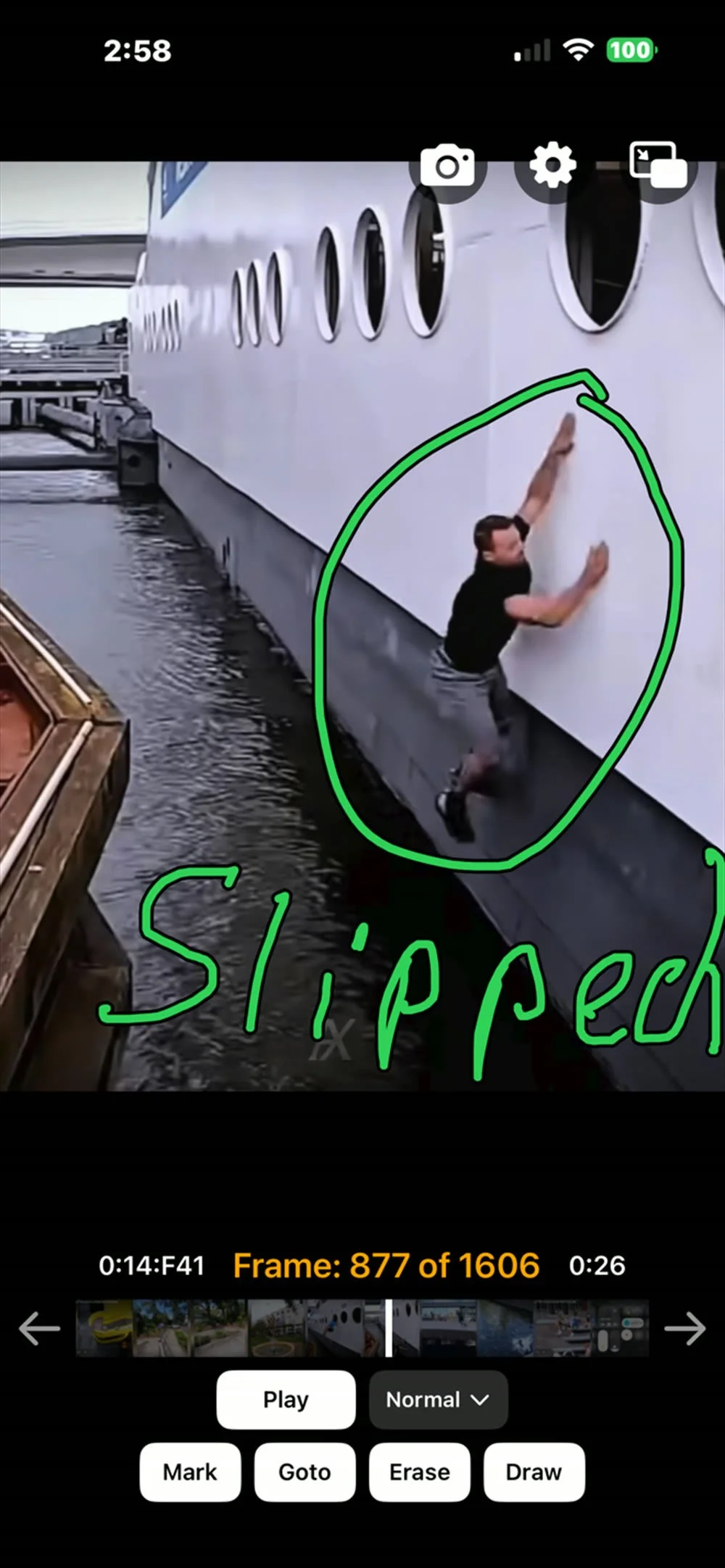
Say what you found, on the frame itself
Draw puts a pen in your hand and the frame stays still under it. Circle the thing, write the word, and the point is made without a paragraph of explanation attached to a bare screenshot. Erase takes it back off again if you want a cleaner one.
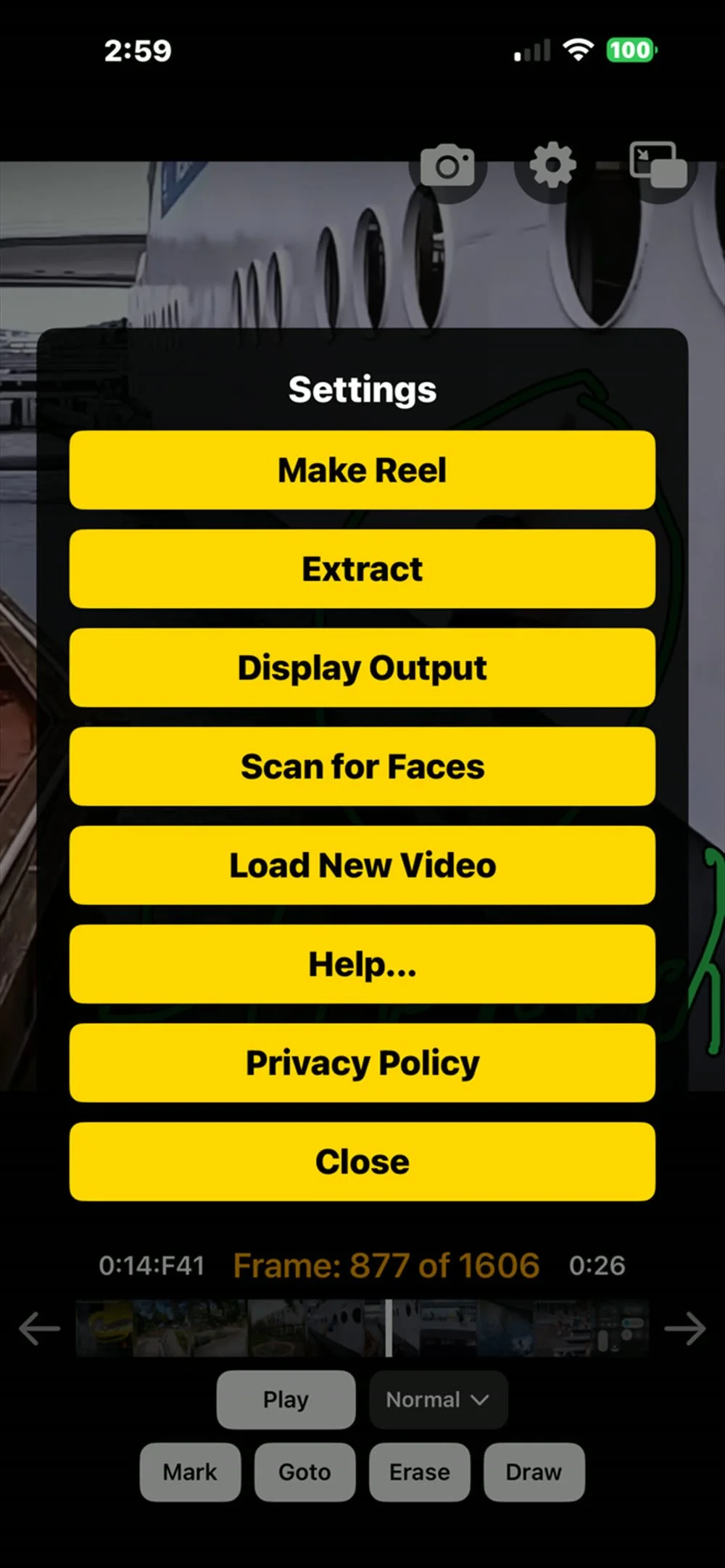
Make a reel, pull a clip, put it on a bigger screen
Extract takes the few seconds around where you are and saves them as their own clip. Make Reel builds something you can post. Display Output sends the picture to a television, which is the difference between four people crowding round a phone and four people watching a screen. Scan for Faces finds the people in the footage for you.
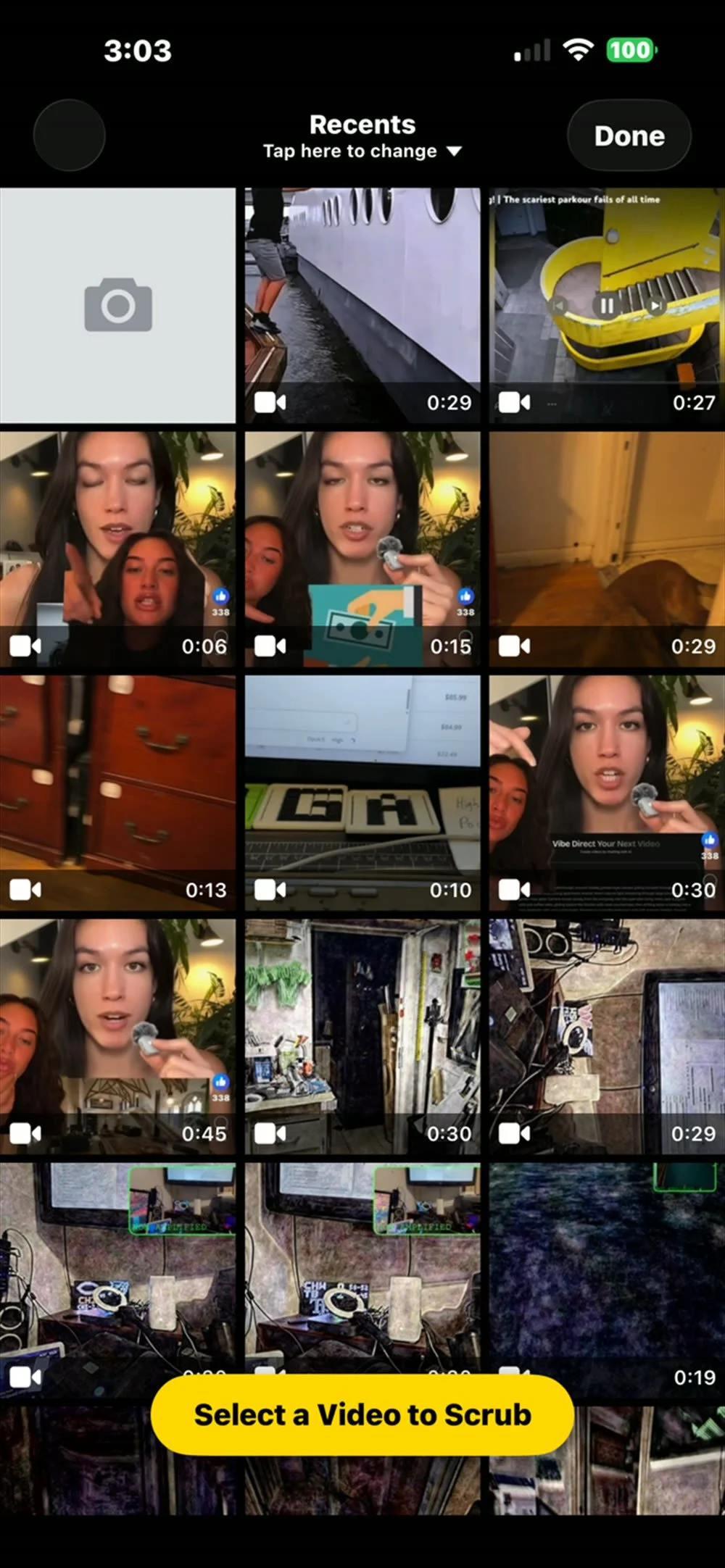
Starts with the video you already have
Anything in your camera roll is fair game — something you shot, something somebody sent you, something you saved off a feed. Pick it and you are on the first frame. Load New Video swaps to another without leaving the app.
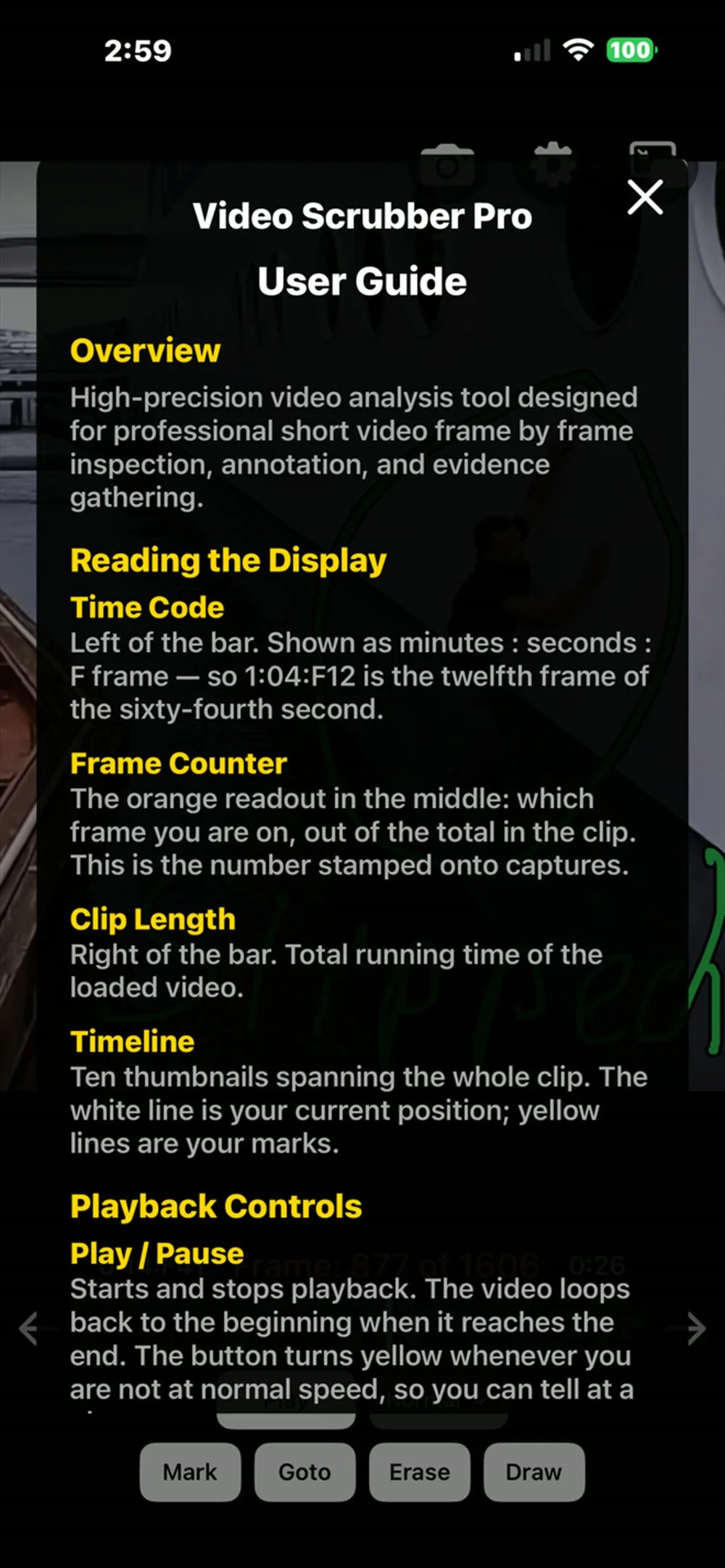
The manual is in the app
Every readout and every control is written up under Help, in the app, on the phone that has the video on it. No hunting for a support page when you are standing somewhere with one bar of signal trying to work out what the orange number means.
More from us
Video Scrubber Pro is one of a small family of camera apps we build. All of them — this one included — are sponsored by Deskflags.com, our main company.
Fan Cam
Wearable zoom for your phone. Drop it into a headset and the screen splits into two eyes showing the live camera — magnified, steady, hands free, and recording while you watch.
Ghost Pro Max
A paranormal investigation camera for phones. Full-spectrum style effects, torch and strobe control, and everything recorded as you go, so an investigation ends with footage rather than a story.